
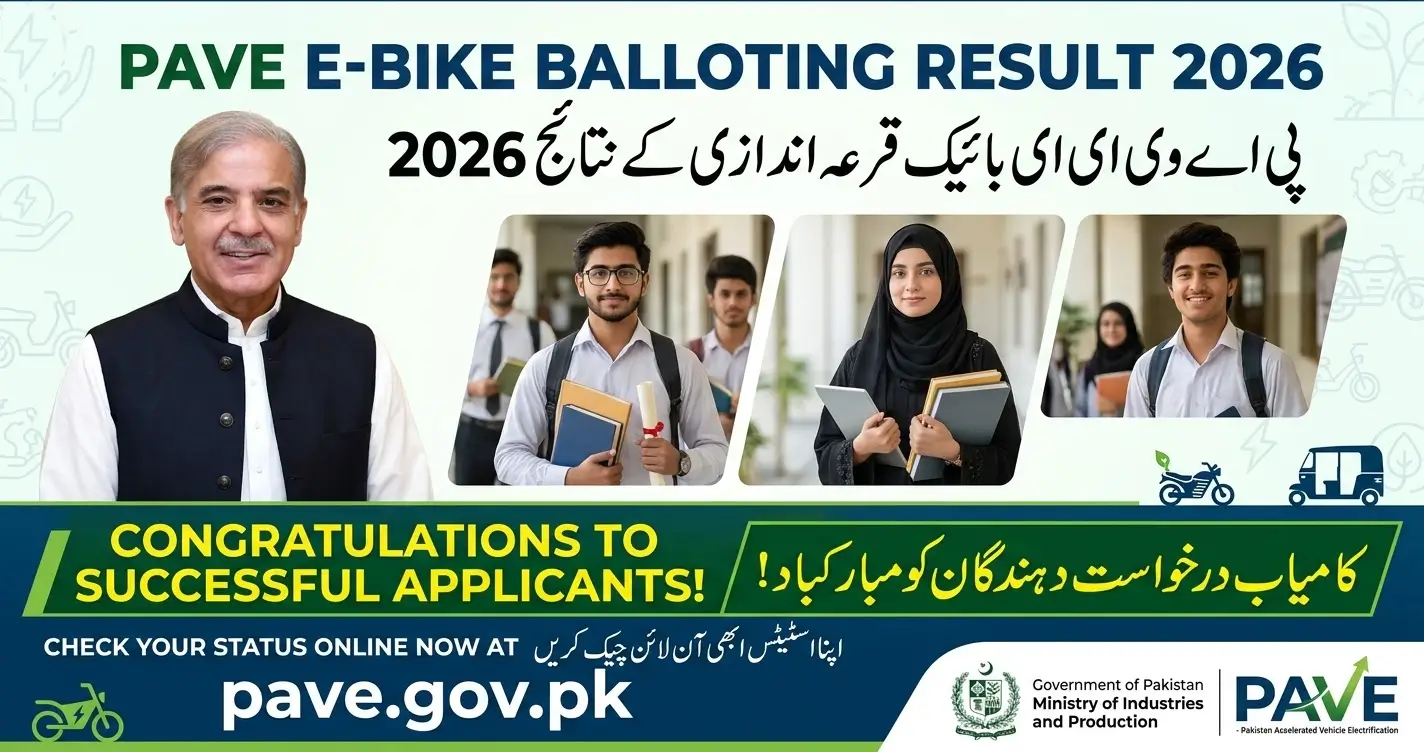
PAVE E Bike Balloting Result
The PAVE E-Bike Balloting Result 2026 is an important update for applicants who registered for electric motorcycles or electric three-wheelers under Pakistan’s New Energy Vehicle (NEV) programme. Applicants can visit the official PAVE website to access their application details and check for the latest available updates.
The official website is pave.gov.pk. Applicants should use their registered login details and follow the instructions displayed on their application dashboard.
Some online reports claim that waiting-list applicants are being moved to the Selected or Successful category. However, applicants should confirm any change directly through the official portal before making financial commitments.
Punjab E Bike Scheme Balloting Result 2026 – Winners List Check by CNIC
PAVE E-Bike Balloting Result 2026 – Latest Update
The Pakistan Accelerated Vehicle Electrification (PAVE) programme supports the adoption of electric vehicles in Pakistan through the government’s New Energy Vehicle policy framework.
Applicants interested in electric bikes and three-wheelers should check the official website for information about their application, selection status, eligibility requirements and any further verification steps.
Here are the key details:
- Programme: Pakistan Accelerated Vehicle Electrification (PAVE)
- Main purpose: Support the adoption of new energy vehicles.
- Vehicle categories: Electric two-wheelers and three-wheelers, subject to programme rules.
- Official website: https://pave.gov.pk/
- Result checking method: Online application dashboard or an official result facility, where available.
- Selection confirmation: Check the latest information displayed on the official portal.
The Ministry of Industries and Production announced the opening of electric-bike registration under the NEV Policy 2025–30 in September 2025. Applicants can refer to the ministry’s official announcement for background information.
Official source: https://moip.gov.pk/NewsDetail/NDdkYzM0MDEtOTcwNS00NjlhLTg3OWItNzI5M2NkMzMwYzQ2
How to Check PAVE E-Bike Result 2026 by CNIC
Applicants can follow these steps to check their PAVE application status online.
Step 1: Open the official website
Visit https://pave.gov.pk/ using your computer or mobile browser.
Step 2: Access your applicant account
Open the login section and enter the credentials requested by the official website.
Step 3: Enter your registered details
Provide your registered CNIC and password if requested by the portal. Do not share your password or verification codes with anyone.
Step 4: Open your application dashboard
After logging in, look for the application details, status or result section.
Step 5: Check your latest status
Review the status displayed on your account and read any notifications related to selection, verification or financing.
Step 6: Follow the official instructions
If your application has been selected, check whether any documents, bank formalities or other requirements remain.
If the result page does not open, return to the main official website and try accessing your account through the available login option.
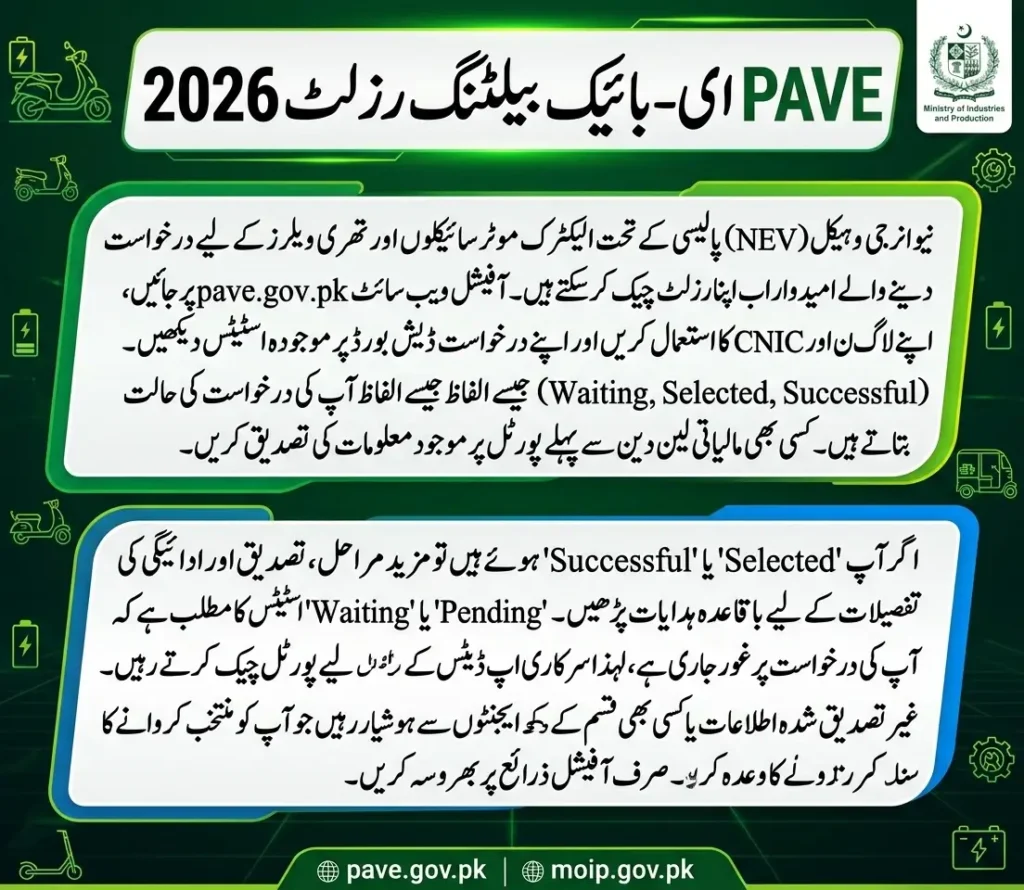
Official PAVE Balloting Result Link
Applicants can use the following links to access official programme information.
- PAVE official website: https://pave.gov.pk/
- PAVE balloting result page: https://pave.gov.pk/balloting-result
- Ministry of Industries and Production: https://moip.gov.pk/
If the direct result page is unavailable, use the main website to find the current application or result section. Do not assume that an error message means your application has been rejected.
CM Punjab E Bike Scheme Status Check Online by CNIC 2026
PAVE Application Status Meaning
Your application dashboard may display different status messages depending on the stage of processing. The exact meaning should be confirmed through the instructions provided by the programme.
| Status | What it may indicate |
|---|---|
| Pending | Your application may still be under review or awaiting an update. |
| Waiting | You may be awaiting selection or the availability of an allocation. |
| Selected | You may have been selected at a particular stage. Check for further requirements. |
| Successful | The portal may indicate a successful result. Review any remaining conditions. |
| Approved | An approval stage may have been completed, subject to applicable requirements. |
| Rejected | Your application may not have been accepted. Check whether a reason is provided. |
These descriptions are general explanations, not a substitute for the programme’s official definitions. The exact status displayed on your account and any accompanying instructions should take priority.
Why Has My PAVE Status Changed from Waiting to Selected?
A change may relate to an updated selection or allocation decision. However, applicants should not assume that every waiting-list applicant will be selected or that a status change automatically confirms final vehicle delivery.
Check the following information:
- Whether the updated status appears on your official account.
- Whether the portal provides a verification deadline.
- Whether additional documents are required.
- Whether bank approval or another financing step is necessary.
- Whether the programme has issued further instructions about the vehicle.
Save a copy of any official notification for your records.
What Should You Do After Being Selected?
Selection may be only one stage of the process. Depending on the applicable programme rules and your application category, further requirements may apply.
1. Review your application
Log in to the official PAVE website and read the complete status message. Look for instructions that apply specifically to your application.
2. Prepare the required documents
Keep your CNIC and application information available. Other documents, such as a driving licence, learner’s permit or supporting records, should be provided only if required for your category.
3. Review the vehicle and financial terms
Before accepting an offer, check the eligible vehicle options, total price, subsidy arrangements, payment schedule and any additional charges.
4. Complete any required verification
If the programme requires bank financing or another approval process, follow the instructions provided by the authorized institution.
5. Confirm the next stage
Check your dashboard or official communications for information about approval, payment and delivery. Selection alone does not guarantee immediate delivery.
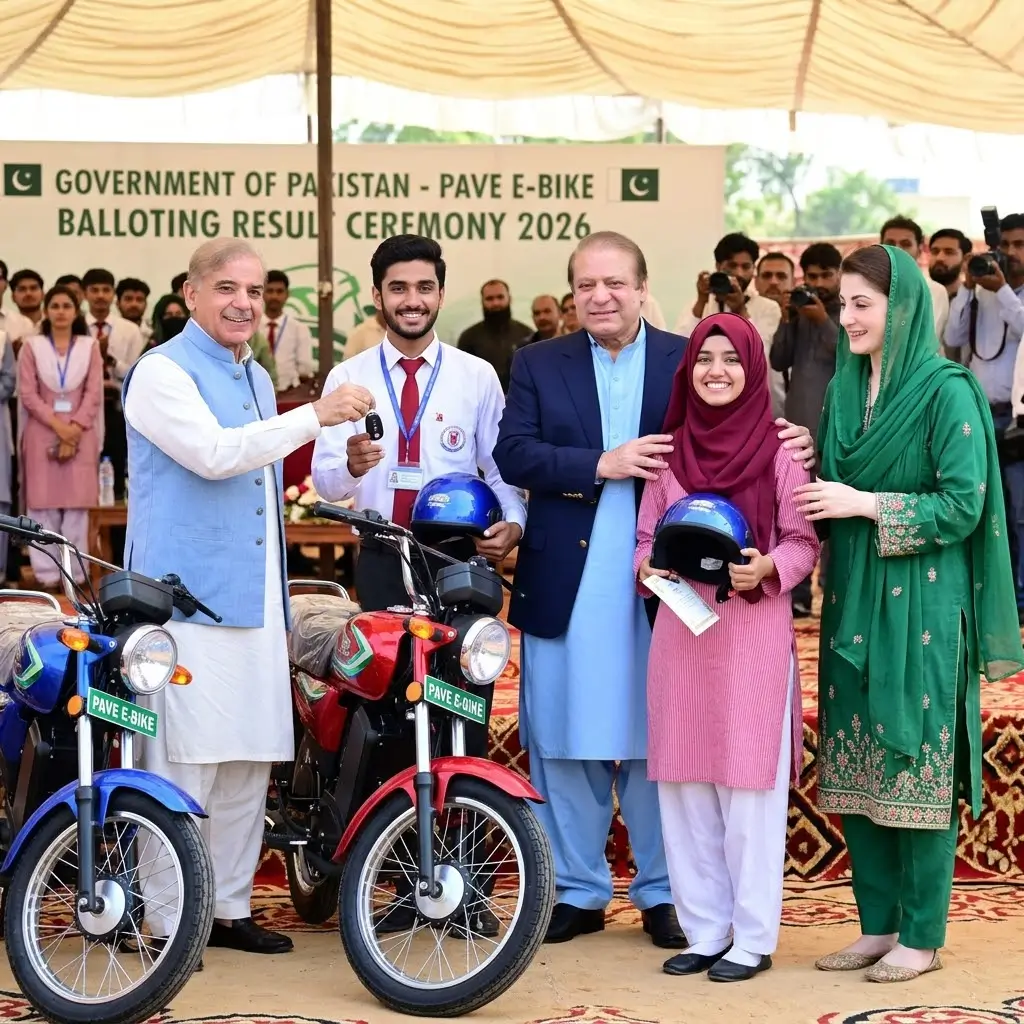
What If Your PAVE Result Is Still Pending or Waiting?
A Pending or Waiting status does not necessarily mean that your application has been rejected. Applicants should check whether their application details are complete and whether the official portal has requested any action.
You should:
- Review your application dashboard regularly.
- Read all official notifications carefully.
- Check whether documents or verification are outstanding.
- Follow any deadline shown on your account.
- Contact official support if the displayed information appears incorrect.
A place may become available under the programme’s rules, but waiting-list selection is not guaranteed unless the official portal confirms it.
Is the PAVE E-Bike Balloting Result 2026 Final?
The status shown on the official portal is the best place to verify your current application position. However, the meaning of selection depends on the programme’s rules and the stage reached by your application.
Applicants should distinguish between selection, final approval, financing completion and vehicle delivery. These may involve separate steps.
Before paying any amount, confirm the payment instructions, recipient and terms through official channels.
Important Safety Tips for PAVE Applicants
Applicants should protect their personal information while checking their results.
- Use the official website: https://pave.gov.pk/
- Do not share your password or OTP with an unknown person.
- Avoid agents who promise guaranteed selection in exchange for money.
- Do not trust unofficial messages claiming that you have won a vehicle without checking your account.
- Make payments only through an authorized process.
- Confirm any helpline number through an official government source before using it.
These precautions can help prevent fraud and unauthorized access to your application.
Frequently Asked Questions
1. How can I check the PAVE E-Bike Balloting Result 2026 by CNIC?
Visit the official PAVE website at https://pave.gov.pk/, access your applicant account and enter the requested login details. Open your application dashboard to review the latest available status.
2. What is the official website for the PAVE scheme?
The official website is https://pave.gov.pk/. Applicants should use this website to access programme information and their application details.
3. What does Selected mean in the PAVE scheme?
Selected generally indicates that an applicant has been chosen at a particular stage. Check the accompanying instructions to determine whether verification, financing or other formalities remain.
4. Why is my PAVE status still Waiting?
Your application may be awaiting a selection decision or an available allocation. Check the official dashboard for updates. Selection from a waiting list is not guaranteed.
E-Bike Scheme Application Status 2026
Final Words
The PAVE E-Bike Balloting Result 2026 is relevant to applicants waiting for updates about their electric-vehicle applications. The safest way to check your result is to visit the official PAVE website, access your account and review the latest status and instructions.
If your application shows Selected or Successful, read the remaining requirements carefully before making payments or expecting delivery. If it still shows Pending or Waiting, continue checking official updates rather than relying on unverified claims.