
PAVE.gov.pk Registration
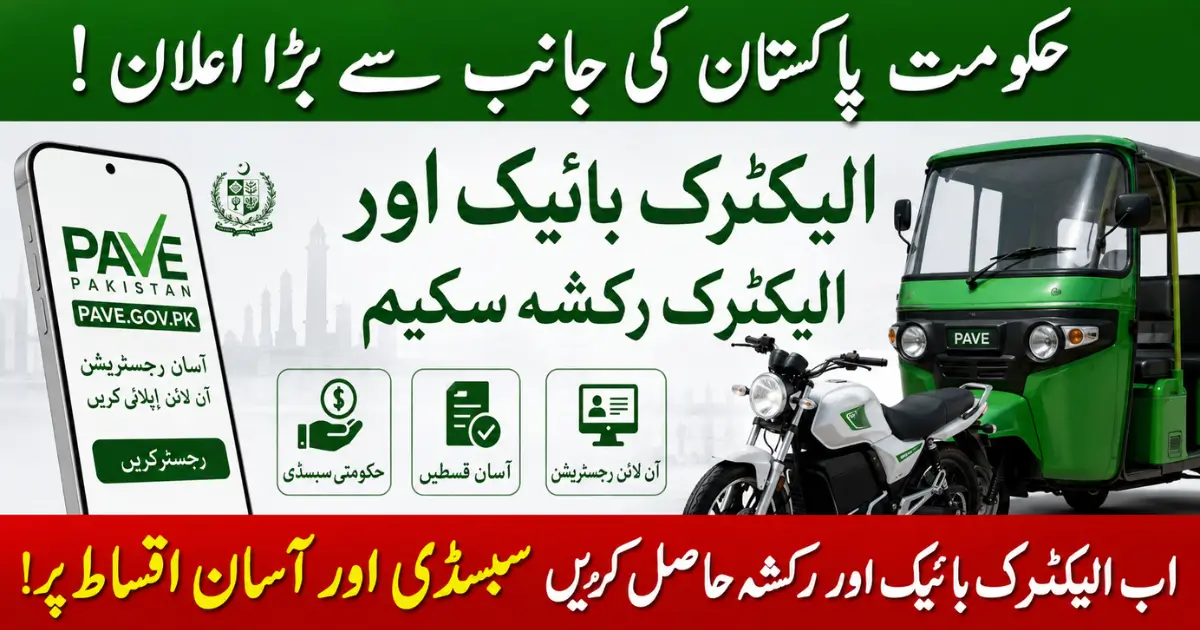
PAVE.gov.pk Registration. Due to the rising prices of petrol in Pakistan, the demand for electric bikes and electric rickshaws has increased rapidly in Pakistan. Keeping this need in mind, the Government of Pakistan has launched the Electric Bike Scheme and Electric Rickshaw Scheme. The aim of this scheme is to provide electric vehicles to the citizens on government subsidy and installments. Under this program, one lakh 16 thousand electric bikes will be distributed among the citizens. After completing its online procedure, you will be included in the electric bike.
The Government of Pakistan has also launched the Electric Rickshaw Scheme. All the people belonging to Pakistan should submit all their valid documents and complete their registration. After the registration is completed, they will be included in the scheme based on the eligibility criteria. All the people who want to get benefits from this scheme of the Government of Pakistan should stay connected with us. So that they can get all the details about this scheme.
Punjab Electric Bike Incentive 2026: General Public Subsidy Program
What is PAVE.gov.pk and How Does It Work?
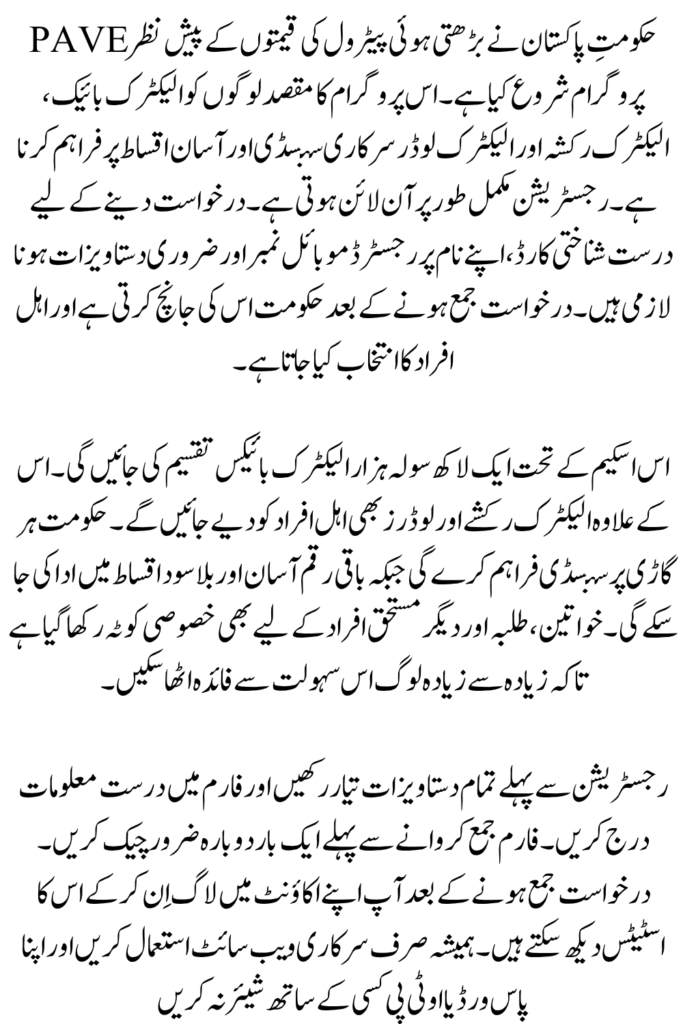
PAVE stands for Pakistan Accelerated Vehicle Electrification Program. It is a scheme of the Government of Pakistan under which the subsidy is provided to the buyers of electric bikes, electric rickshaws and electric loaders. The government subsidizes the price of the electric vehicle while the remaining amount is paid in easy installments through the interest-free bank. The entire registration process is online. The applicant will first have to submit his/her valid documents on the official website issued by the Government of Pakistan. After the application is submitted, it is checked and the eligible candidates are selected through computerized recruitment.
Who Can Register on the PAVE Portal?
To complete the online registration on the official portal of the Government of Pakistan, it is necessary to complete the eligibility criteria. Generally, the following people can apply:
- People who have a National Identity Card issued by NADRA.
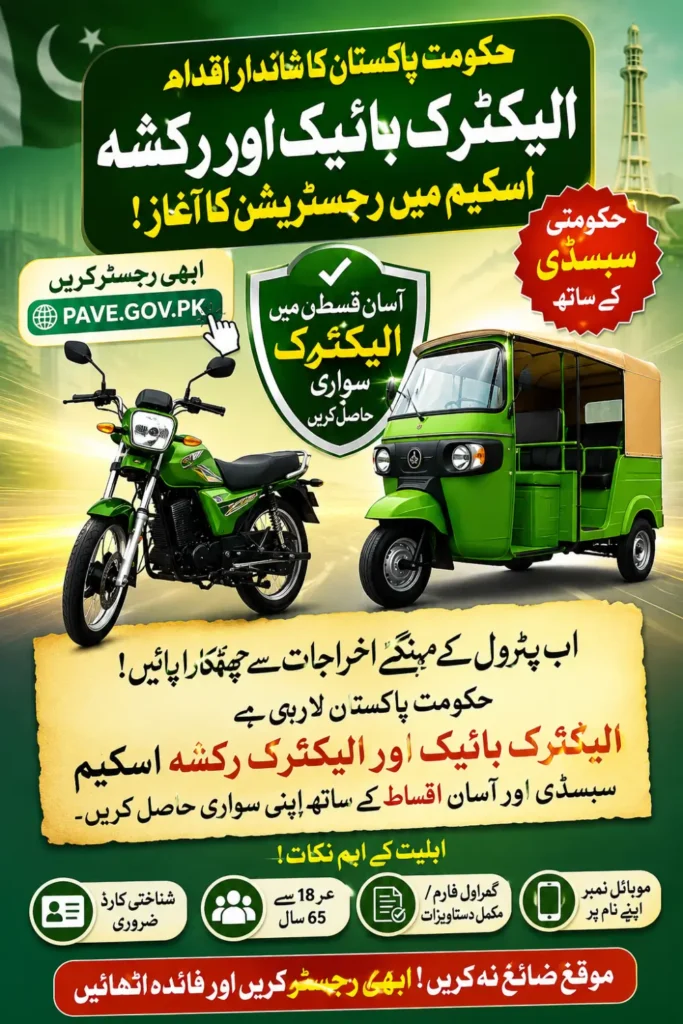
- Applicants must be between 18 and 65 years of age.
- The applicant must have a mobile number on their National Identity Card.
- Not have previously benefited from any government electric vehicle scheme.
- Applicants may require a driving license for rickshaws or loaders. Special quota is kept for female students and other Pakistanis.
Always check the latest shirt on the official portal before applying. Those who are declared ineligible should first complete their eligibility criteria.
Two-Wheeler EV Scheme: 116,000 Electric Bikes Available
The Government of Pakistan has launched an electric bike scheme to promote transport. Under this scheme, one hundred and sixteen thousand electric bikes will be provided to the citizens. The aim of this scheme is to reduce air pollution. Under this scheme, low-cost travel facilities are provided to the citizens. All citizens can get rid of petrol expenses by getting electric bikes.
Under this scheme, a subsidy of Rs 50,000 will be given to each eligible applicant. While the remaining amount can be paid in easy installments without interest. This scheme provides loan facilities of up to Rs 250,000. From which even the middle class can easily get an electric bike. The government has allocated a special quota of 25% for women. So that women can get electric bikes for their education, employment and daily travel.
Three-Wheeler EV Scheme: 3,170 Electric Rickshaws & Loaders
Prime Minister Mian Muhammad Shahbaz Sharif has launched the Electric Rickshaw Scheme. Under this scheme, 3170 electric rickshaws and electric loaders will be provided to eligible persons. This scheme includes all the provinces of Pakistan. Those who have applied online will be able to check the status of their application through e-balloting.
The most important features of this scheme include a subsidy of Rs. 200,000. This reduces the initial cost of the application. In addition, the government will also provide a loan facility of up to Rs. 110,000. So that individuals can get electric rickshaws and loaders through easy installments.
Documents Required Before Creating a PAVE Account
- Identity Card Front and Back Side
- Passport Size Photo
- Registered Mobile Number in Your Name
- Email Address
- Driving License
- Proof of Residence
- Student or Employment Documents
Step-by-Step Guide to Register on PAVE.gov.pk
Anyone from Pakistan who wants to complete online registration on the PAVE portal, follow the points given below.
- Visit the official website of the Government of Pakistan.
- Click on New Registration or Sign Up.
- Enter your CNIC number.
- Enter your mobile number.
- Enter the OTP received on your mobile.
- Complete your personal information correctly.
- Select the desired vehicle, bike rickshaw or loaders.
- If necessary, select the approved brand.
- Upload all the required documents correctly.
- Double-check the information.
- Submit the Tracking ID form and save it with you.
By following the points given above, you can easily complete your online registration.
How to Verify Your CNIC During Registration
Identity card verification is the most important step of registration. The system checks whether the entered mobile number is registered in the name of the same person or not. If there is a difference in the information, the application may be rejected.
- First of all, use the SIM registered in your name.
- Use the correct identity card number.
- The identity card must not have expired.
- If the OTP does not come, wait for a few minutes and try again.
In this way, you can make your registration successful.
Creating a Secure Username and Password
After verifying your ID card, you will need to create a password for your account. You will need to use uppercase and lowercase letters, numbers, and special characters. Do not use your ID card, your name, or your date of birth or number as your password. Do not share your password with anyone. Write down the password in a safe place. So that you can easily check your application status. You can create a password like this
- pave@12#00$
This password is very strong and you can use it during registration. Copy it and keep it in a safe place so that you can check your registration status without any problems.
PAVE.gov.pk Login Process Explained for Existing Users
If you have already completed your registration in PAEV.gov.pk, then you do not need to register again.
Open the official website.
- Click on Login or Sign In.
- Enter your registered mobile number or CNIC number.
- Enter your password.
- Click on Sign In.
After that, you will go to your dashboard. There you can check the status of your registration.
How to Access Your PAVE Dashboard After Login?
You can view a variety of information in the dashboard. Such as
- View submitted applications.
- Check application status.
- Update profile information.
- Download a copy of the application.
- See new notifications and announcements.
Keep checking the dashboard to check the status of your application.
Forgot Your PAVE Password? Here’s How to Reset It
If you forget your password, follow these steps:
- Click on Forgot Password.
- Enter your CNIC or registered email.
- Verify your identity through OTP.
- Create a new password.
- Log in again with the new password.
Common PAVE Login Errors and Their Solutions
| Problem | Likely Cause | Solution |
|---|---|---|
| OTP not received | Weak signal or wrong number entered | Recheck number, wait a few minutes, try again |
| “Invalid CNIC” error | Typing mistake or expired CNIC | Re-enter carefully or renew CNIC first |
| Account locked | Too many wrong password attempts | Use “Forgot Password” to reset |
| Page not loading | High traffic near deadlines | Try again during off-peak hours (early morning) |
How to Update Your Personal Information on PAVE Portal?
First of all, those who have completed the registration can update their personal information. If you see any error after submitting the form, then look for the update or edit profile option in your dashboard. Changing information is not allowed at some stages. So, check all the information carefully before submitting the form.
Uploading Required Documents Successfully
- Use a clean and clear scan.
- All four corners of the ID card should be visible.
- Keep the file size within the specified limits.
- Use JPG or PDF format.
- Double-check the file before uploading.
How to Track Your PAVE Application Status
To check the status of your application after it has been submitted:
- Log in to your account.
- Open your dashboard.
- Click on Application Status.
- Your status can be Submitted, Under Review, Approved, Waiting List or Rejected.
Don’t worry if you see Under Review for a long time. This can take time due to the large number of applications.
PAVE Portal Security Tips to Protect Your Account
- Use only the official .gov.pk website.
- Do not pay any extra money to any agent.
- Do not share OTP or password with anyone.
- Log out after using a public computer.
- Trust only official announcements.
Benefits of Registering on PAVE.gov.pk
Punjab Bike Scheme Phase 2 aims to provide affordable transportation for students across Punjab.
- Financial subsidy from the government
- Easy installment facility
- Reduction in petrol costs
- Transparent computerized lottery
- Special quota for women, students and overseas Pakistanis
- Complete online application system
Important Things to Check Before Submitting Your Registration
- Is the CNIC number entered correctly?
- Is the mobile number in your own name?
- Are all the documents clear?
- Is the correct vehicle selected?
- Is the password saved?
CM Punjab E Bike Scheme: Online Registration Method Via Protal With Required Document
Why Your PAVE Registration May Be Rejected
- Blurred or incorrect documents
- Incorrect or expired CNIC
- Mobile number not in the name of the applicant
- Multiple applications from the same CNIC
- Not completing the form
- Not fulfilling the eligibility conditions
If the application is rejected, the application can be re-submitted as per the new instructions.
Final Words
Electric Bike Program is a government scheme to promote electric transport in Pakistan. If you fulfill all the conditions and submit an application with correct information, you can benefit from this scheme. Before registering, upload all the documents on the website.
Do not submit documents on any unnecessary website. Share your required documents only on the official website. Keep an eye on the official announcements so that as soon as the distribution of electric bikes or electric rickshaws starts, you can check the status of your application and join the scheme.
FAQs
1. What is PAVE.gov.pk?
PAVE is the Pakistan Accelerated Vehicle Electrification Program for promoting electric bikes, rickshaws and loaders through government support.
2. Who can register on the PAVE portal?
Eligible Pakistani citizens who meet the official age, CNIC, mobile and vehicle-specific requirements can apply.
3. What documents are required for PAVE registration?
Applicants may need their CNIC, registered mobile number, photograph, email address, driving license and other documents required for their selected vehicle.
4. How can I check my PAVE application status?
Log in to your PAVE account and open the Application Status section to view the latest update.
5. Is PAVE registration free?
Applicants should use only the official PAVE portal and avoid paying agents or third parties for registration.