
CM Punjab E Bike Scheme
The CM Punjab E Bike Scheme is a Punjab government initiative designed to help eligible students get electric bikes through an easy application process. If you have already applied, you can check your CM Punjab E Bike Scheme application status online using your CNIC and login password.
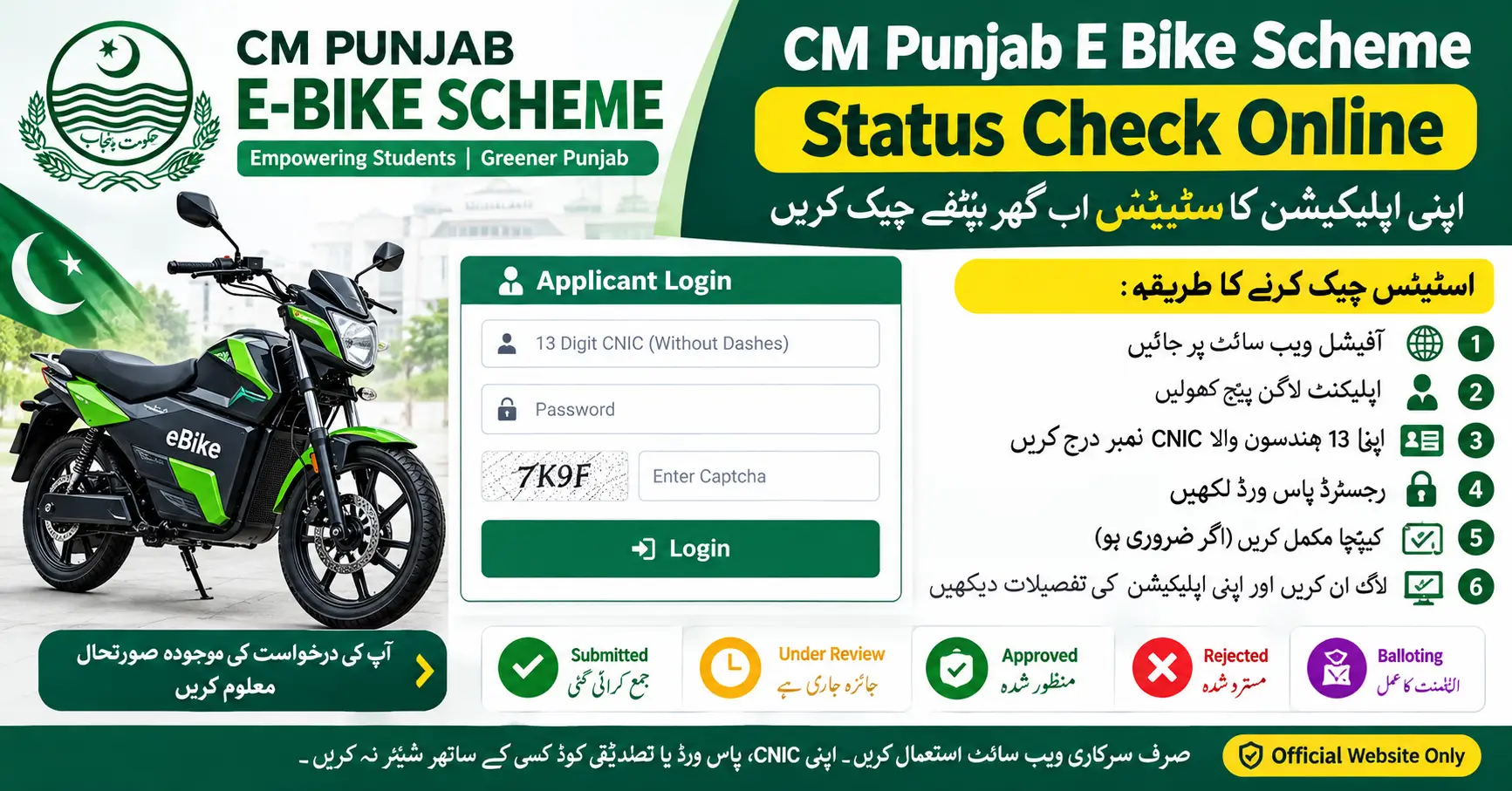
How to Check CM Punjab E Bike Scheme Status Online
Follow these simple steps to check your application status:
- Visit the official CM Punjab E-Bikes scheme website.
- Open the applicant login page.
- Enter your 13-digit CNIC number without dashes.
- Type your registered login password.
- Complete the security captcha, if required.
- Click the Login button to open your dashboard.
- Check your application details and available status updates.
Your dashboard may show whether your application is submitted, under review, approved, or related to the balloting process, depending on the current scheme stage.
E-Bike Scheme Application Status 2026
Check CM Punjab E Bike Scheme Status by CNIC
Before checking your status, keep your CNIC number and registered password ready. Make sure your information is correct to avoid login problems. If you forget your password, use the official website’s password recovery option, if available.
What If You Cannot Check Your Application Status?
If you cannot log in, check your internet connection and confirm that your CNIC and password are correct. You can also contact the official scheme support team for help.
Use only verified contact details published on the official scheme website. Do not share your CNIC details, password, or verification codes with unknown people.
What Will You See After Logging Into the CM Punjab E-Bike Portal?
After logging into the CM Punjab E-Bike Scheme portal with your CNIC and password, you can check the latest information available on your application dashboard. Your Bank of Punjab (BOP) application status may appear as Approved, Pending, or Rejected, depending on the progress of your application.
- Approved: Your application has been approved at the relevant verification stage.
- Pending: Your application is still under review or awaiting verification.
- Rejected: Your application has not been approved. Check the portal for any available reason or further instructions.
Driving License Approval Status
The driving license verification status may not appear on every applicant’s dashboard. If your license status is not visible, it does not automatically mean that your license has been rejected. Check the latest instructions on the official CM Punjab E-Bike portal or contact the scheme’s support team to confirm your license verification status.
Important: BOP application approval and driving license verification may be separate steps. Always rely on the status and instructions displayed on the official portal.
Electric Bike Price in Pakistan 2026: All Models & Latest Rates
Conclusion
Checking your CM Punjab E Bike Scheme application status online using CNIC and login password is simple. Visit the official portal, sign in with your registered details, and review your dashboard for the latest application updates. Always use the official website to get accurate information about your application and balloting status.