
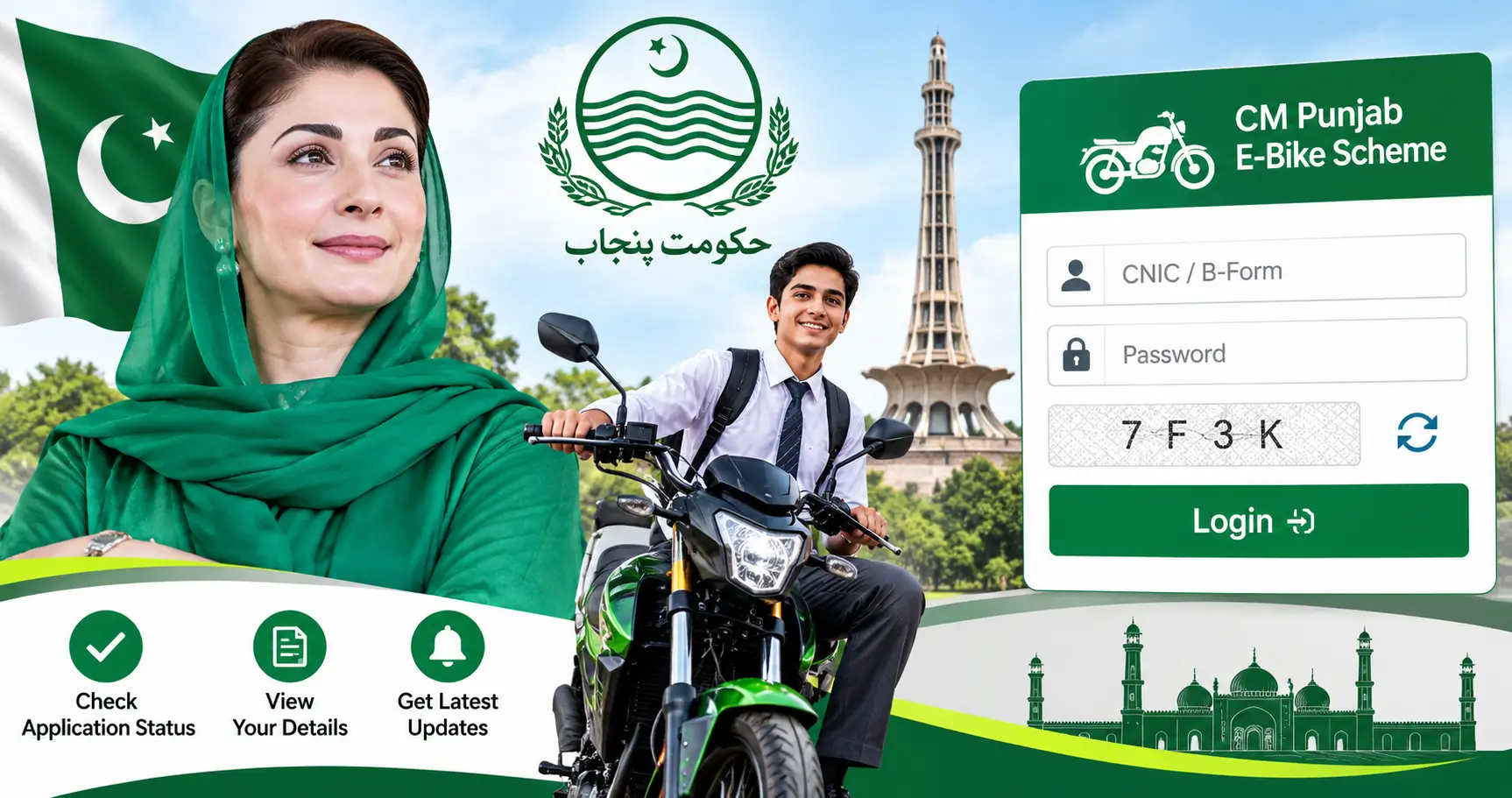
Punjab E Bike Portal Login 2026
The Punjab E Bike Portal Login 2026 is an important online facility for students who have registered for the CM Punjab E-Bike Scheme. Through the official website, applicants can access their accounts, review application details, check the progress of their registration, and follow the next steps of the scheme.
The Government of Punjab introduced the e-bike initiative to make transportation easier and more affordable for students. Under this program, eligible students can receive electric bikes through a subsidized financing arrangement. The online portal provides a central place for applicants to manage their registration and stay informed about their applications.
If you have already submitted your application and want to check whether it has been received, verified, or selected, you can visit the official Punjab E-Bike Scheme website. This guide explains the login procedure, required information, application status checking method, and important updates for 2026.
Punjab E Bike Scheme Phase 2 Result 2026 | Check Application Status
Punjab E Bike Portal Official Website 2026
The official website for the CM Punjab E-Bike Scheme is:
Official Website: https://bikes.punjab.gov.pk/
Applicant Login: https://bikes.punjab.gov.pk/login
Students should always use the official government website instead of unofficial websites claiming to provide guaranteed selection or instant results.
The portal was developed with the involvement of the Punjab Information Technology Board (PITB) to facilitate online registration for the student bike initiative. Applicants can use their registered account to access scheme-related information.
How to Login to Punjab E Bike Portal 2026
Applicants who have already registered can follow these simple steps to access their accounts.
- Open the official website at https://bikes.punjab.gov.pk/login.
- Find the applicant login section.
- Enter your registered CNIC or other identification details requested by the portal.
- Enter your account password.
- Complete the security captcha if displayed.
- Click the Login button to access your account.
- Open your application dashboard and review the available information.
Make sure you enter the same information that you used during registration. Incorrect login details may prevent you from accessing your account.
How to Check Punjab E Bike Application Status 2026
After logging in, applicants should review their application dashboard to find the latest available information.
Follow these steps:
- Visit the official CM Punjab E-Bike Scheme portal.
- Sign in using your registered account.
- Open your submitted application.
- Review the information and application progress displayed on the dashboard.
- Check whether any additional documents or verification steps are required.
Your dashboard is the main place to follow your application. If the portal displays a selection or balloting result, carefully read the instructions provided for the next stage.
Keep checking the official website for new announcements. If you receive an SMS regarding your application, make sure it comes from a trustworthy official source.
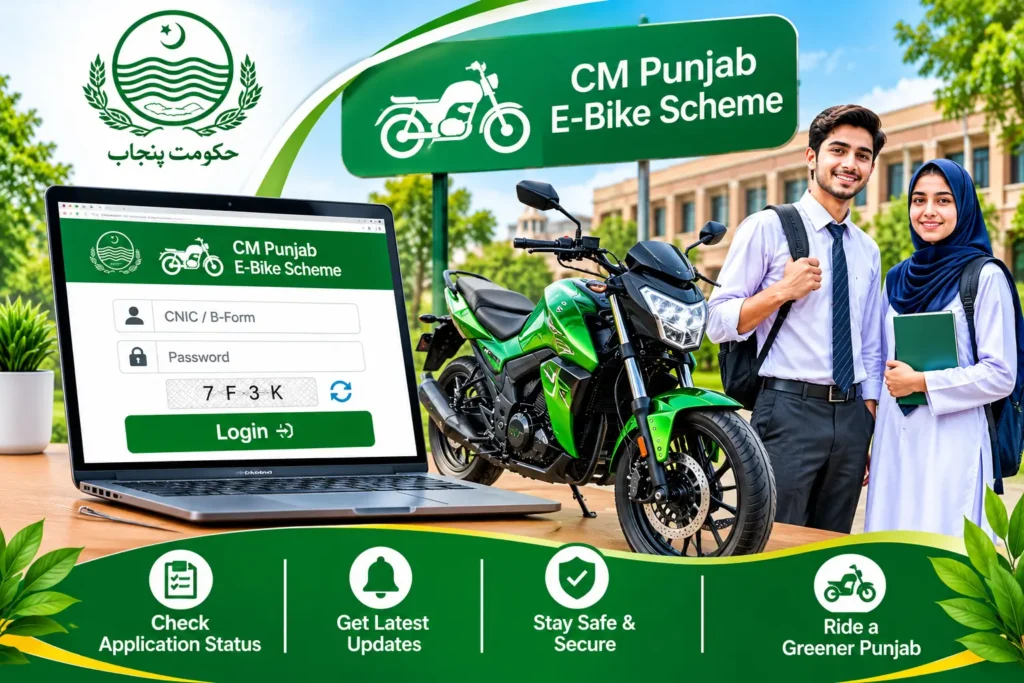
Punjab E Bike Scheme Phase 2 Latest Update 2026
The CM Punjab E-Bike Scheme Phase 2 attracted significant interest from students across the province. The second phase was announced in September 2026, allowing eligible students to register through the official online portal.
According to published reports, the application deadline was October 4, 2026. Therefore, students who have already submitted their forms should focus on checking their application progress rather than looking for a new registration form.
The selection and verification process is important because submitting an application does not automatically guarantee that an applicant will receive an electric bike. Applicants must follow the official instructions and complete any required documentation.
Documents and Information Required for E Bike Portal Login
Before accessing your account, keep your registration information available. Depending on the portal requirements, you may need:
- Your registered CNIC or B-Form details, where applicable.
- Your account password.
- Your registered mobile number.
- Your email address, if requested.
- Your application information.
- Captcha verification details.
Never share your password or one-time password (OTP) with another person. These details are intended to protect your account.
What to Do If Punjab E Bike Portal Login Is Not Working?
Sometimes applicants experience problems while accessing the official website. These issues may occur because of incorrect passwords, captcha errors, internet connectivity, or temporary website maintenance.
Here are some practical solutions:
1. Check Your CNIC: Make sure you enter the correct identification number associated with your account.
2. Enter the Correct Password: Passwords are case-sensitive in many online systems. Check your spelling and keyboard settings.
3. Refresh the Captcha: If the captcha is incorrect or difficult to read, refresh it and enter the new code.
4. Check Your Internet Connection: A weak internet connection can prevent the login page from loading properly.
5. Try Another Browser: If the website is not responding, try accessing it through an updated version of Chrome or another browser.
6. Avoid Repeated Incorrect Attempts: If you cannot remember your password, use the password recovery option available on the official website, if provided.
If the problem continues, contact the scheme’s support channel using contact details verified through the official portal.
Punjab E Bike Scheme Admin Login – Important Information
Some applicants search for the Punjab E Bike Scheme Admin Login page because they want to access their application or check their results.
However, applicants should use the normal student or applicant login section. Administrative login pages are generally intended for authorized staff and administrators, not ordinary students.
Do not enter your personal CNIC, password, or other sensitive information into an administrative page unless the official department specifically instructs you to do so. For checking your own application, always start from the official website and use the applicant login facility.
Is Punjab E Bike Scheme Registration Still Open in 2026?
According to reports about Phase 2, the application deadline was October 4, 2026. This means the registration period for that phase has ended.
Students who successfully submitted their applications can continue checking their accounts for verification updates, selection information, and further instructions. If the Punjab Government announces another registration phase, its details should be confirmed through the official portal.
Important Safety Instructions for Applicants
Applicants should be careful when dealing with unofficial agents and websites. Remember these important points:
- Registration and application status checking should be done through official channels.
- Do not pay an agent who promises guaranteed selection.
- Never share your account password or OTP.
- Avoid submitting personal information on unknown websites.
- Do not trust fake balloting lists circulating on social media.
- Follow the instructions published by the Government of Punjab.
Your application information is important, so always protect your account.
Frequently Asked Questions
1. What is the official Punjab E Bike Portal website?
The official CM Punjab E-Bike Scheme website is https://bikes.punjab.gov.pk/. Applicants can use its login facility to access their accounts.
2. How can I check my Punjab E Bike application status?
Visit the official login page, enter your registered account details, and open your application dashboard to review the available status information.
3. Can I check my E Bike Scheme result by CNIC?
You can use your registered account and identification details to access your application. If an official result is available, follow the instructions displayed on the portal.
4. What should I do if I forget my Punjab E Bike password?
Visit the official login page and check whether the Forgot Password option is available. Follow the account recovery instructions provided by the website.
5. Is Punjab E Bike Scheme registration free?
Applicants should use the official registration process and avoid paying unauthorized agents. Never pay anyone who promises to guarantee your selection.
6. Is Punjab E Bike Scheme Phase 2 registration open?
The reported closing date for Phase 2 applications was October 4, 2026. Applicants should visit the official portal for confirmation of any new registration announcement.
Final Words
The Punjab E Bike Portal Login 2026 provides an important way for registered students to access their CM Punjab E-Bike Scheme accounts and review their application information. Applicants should use the official website, enter their correct login details, and regularly check their dashboards for updates.
If you have already applied, keep your registration information safe and follow the instructions provided by the relevant authorities. Always depend on official announcements for application verification, selection results, and bike distribution updates.